

Image credit: Wellcome Sanger Institute


What do heat, noise and motion have in common? These forms of energy all make brilliant micro:bit coding challenges for young learners. Recently, a team from the Wellcome Sanger Institute invited school-aged children for a morning of fun coding at the Centre for Computing History in Cambridge.
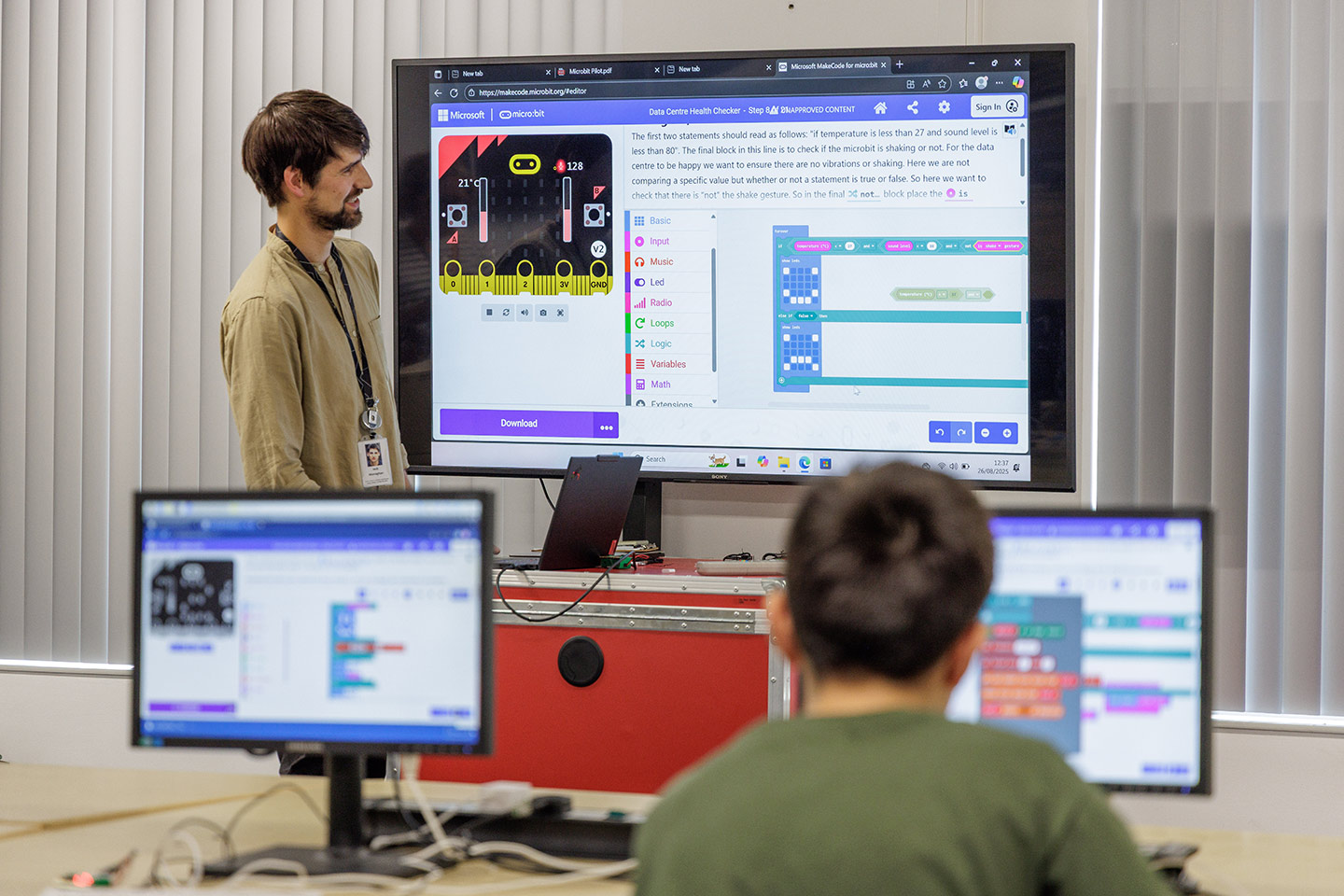
The room was filled with a cacophony of sounds. Fans hummed. Tiny computers beeped like an EDM (Electronic Dance Music) track. An eager child thumps the wall. The noises spike the sound meters. The sounds are one of the coding challenges at the Sanger Institute’s recent micro:bit workshop, designed to build an understanding of sensor inputs, including temperature, sound, and shaking. The young children also had the opportunity to practice simple programming logic, such as IF/THEN – for example, if a sound exceeded level 80, then a light would flash.
The team created these free activities to ignite young people’s interest in coding and introduce them to computational biology. Beyond technical skills, the challenges helped develop problem-solving and critical thinking. The event showed how our technical teams apply these coding skills to keep genomics data safe by monitoring sensors, comparing thresholds and triggering actions. To understand why we chose micro:bits, see ‘What is a micro:bit?’ below.
What is a micro:bit?

Credit card-sized computer with lights, buttons and built-in sensors.

Children use sensors to trigger lights, words and patterns.

Supports drag-and-drop coding, Python and Javascript.

Free simulator available online - no device needed.
The micro:bit is a credit card-sized computer with lights, buttons and built-in sensors. First created by the BBC and technology companies, children can use the built-in sensors to trigger flashing lights, spell words or draw simple patterns. Micro:bits provide a helpful way to show children how software programmes control physical systems.
Micro:bits are used in classrooms across the globe and support different programming styles. For example, beginners can use visual drag-and-drop coding, while more advanced users can use programming languages like Python or JavaScript. The micro:bit website also offers a free micro:bit simulator for students without a physical device, or to combine several virtual devices together.

Piloting the new coding activities
The BioDev Network, which promotes technological capabilities, realised that young people rarely see examples of how coding and data power genomics. As a result, they teamed up with Wellcome Connecting Science, who had previously published free micro:bit activities about Tech in the Lab, but wanted to develop new challenges with a more technical focus that continued to align with the UK’s National Curriculum.
During the school summer holidays this year, the team ran a pilot event at the Cambridge Centre for Computing History for children of different ages and experience levels. The young coders tried various activities, including a sound-level indicator. The team linked this lively challenge to real data centres, which can be extremely noisy. Children used the micro:bit’s built-in microphone to measure sound levels, which are displayed using numbers between 0 and 255. They roamed the classroom testing sounds, which ranged from quiet chatter (17–30) to banging a wall near a fan (120).


How our technical experts built the activities
These activities were built collaboratively with scientists over multiple sessions. The BioDev Network’s Future Innovators, part of a graduate mentorship scheme, designed the prototype micro:bit challenges. The activity design was part of a training scheme to help connect coding practitioners with public engagement practices, such as considering the children’s level of biological knowledge and coding skills. Earlier this year, the team invited technical experts across the Wellcome Genome Campus to refine the activities during a hackathon, where people tackle technical challenges in a fast-paced environment. The goals were to teach coding skills to young learners, demonstrate genomic concepts and career pathways, and offer a mix of difficulty levels.
Testing the existing coding activities gave the technical experts a beginner’s perspective, which helped them improve the projects by adding storylines, clearer steps and optional extensions.
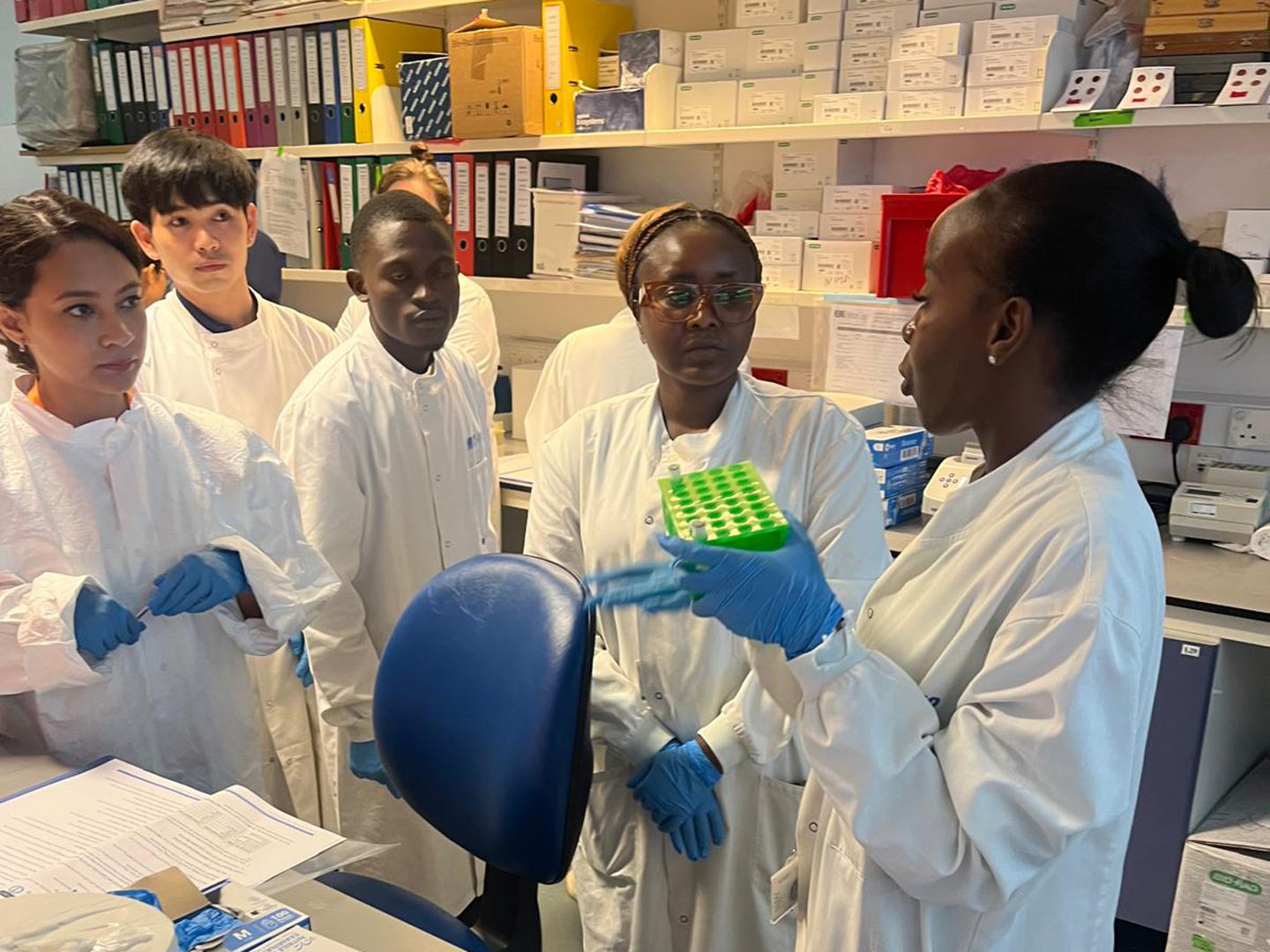

When we spoke to the developers, they shared their passion for teaching technical skills to schoolchildren. Some had previously helped at youth clubs, whilst others wanted to make coding more accessible, especially to girls.
From the session, two themes for activities emerged:
- Data protection in high-performance computing: protecting computers from the impact of fluctuations in temperature, sound and vibration. This was the scenario tested at the Centre for Computing History.
- DNA to RNA transcription: translating base-pair rules into genetic code.

How you can try this out at home
You can download the data protection coding activity for free from the Your Genome website. In the next few months, the transcription activity will also be added, and both will be submitted to the micro:bit website.
Try the temperature challenge – does your laptop run hotter than a bookshelf? What is the noisiest room in your house? Who can shake the micro:bit the hardest?
Connecting Science plans to launch more technical career profiles for younger people. You can also read our blog posts on life as a bioinformatician and working in informatics.
The children enjoyed the workshop, which showed how accessible and fun coding can be. By setting coding in real-world genomics contexts, we hope to spark curiosity in students from under-represented backgrounds and inspire the next generation of scientists and engineers.


